
Guide
Offline play
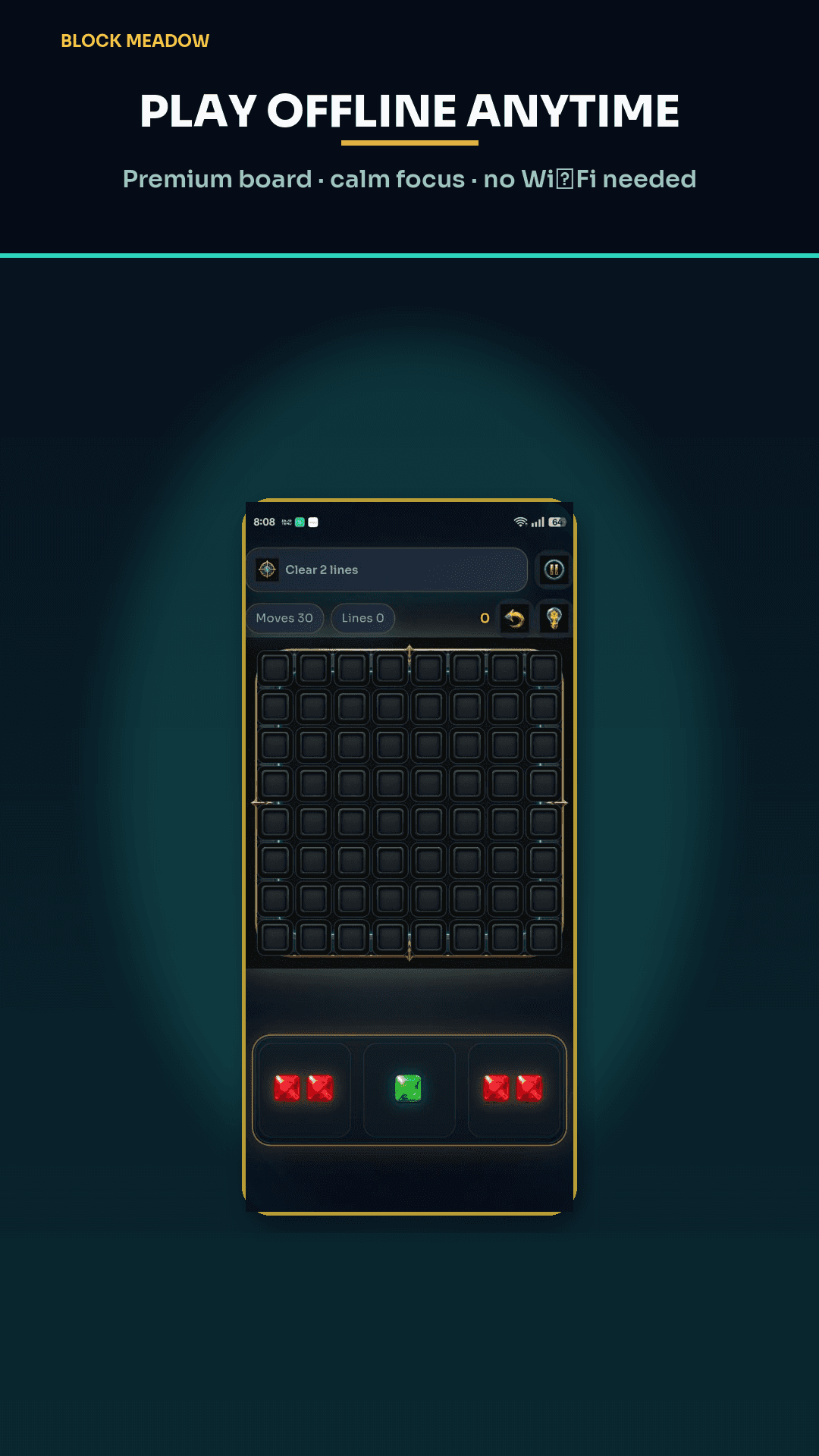
Travel, queues, and dead zones. The 8×8 jewel board does not wait on a tower. Some extras do.
This guide is the practical companion to the offline block puzzle landing page. Use it when you are about to board a plane or you are explaining the game to someone who thinks every mobile puzzle is an always-online live-ops feed.
Before you go offline
- Install from Google Play while you still have signal.
- Open the app once so assets and your local save initialize.
- If you care about today’s Daily, open Daily once on Wi‑Fi so the seed can store.
- Buy or restore VIP / Remove Ads beforehand if you want a banner-free cabin.
In the air
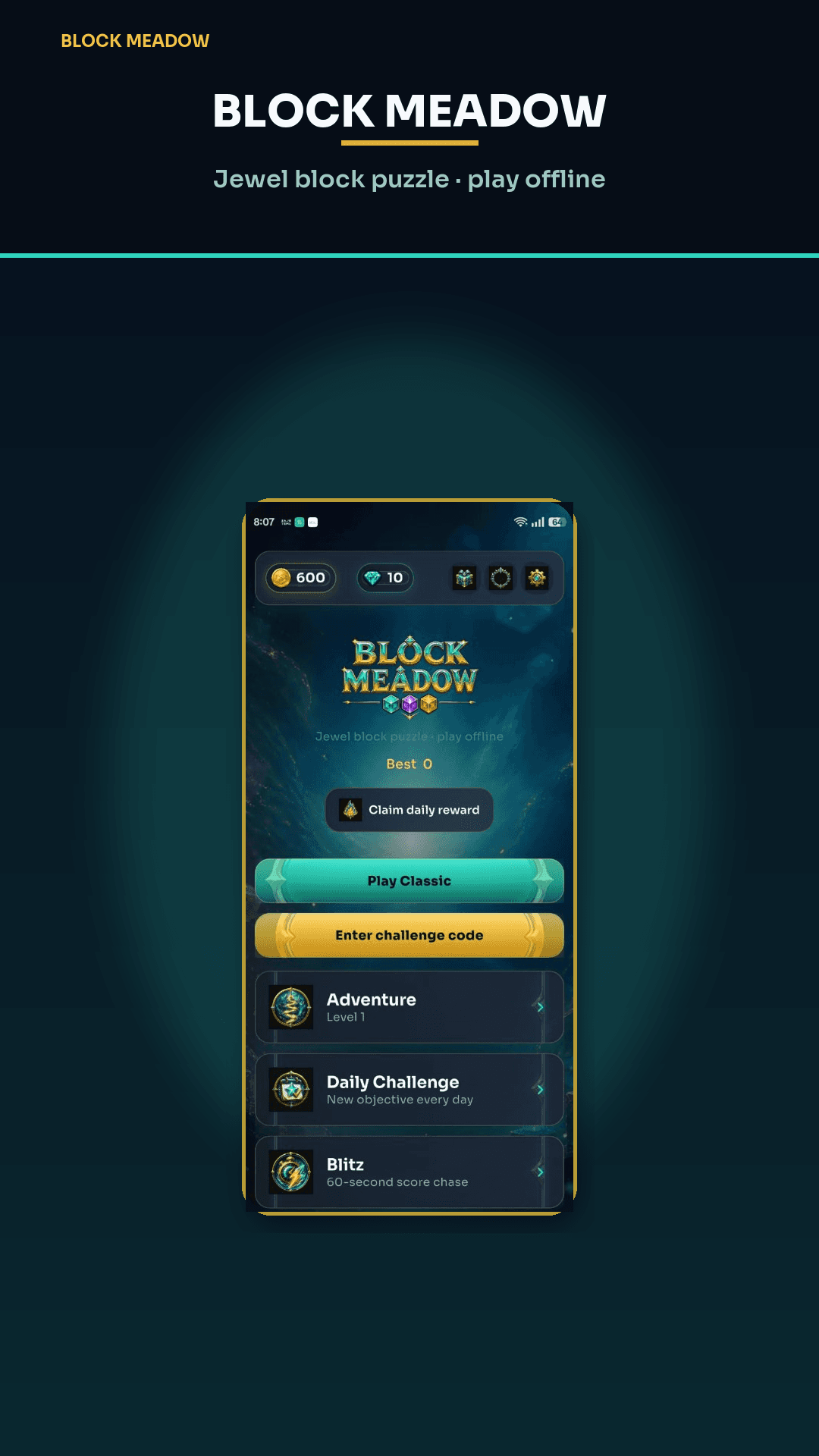
Classic, Adventure, Blitz, undo, owned boosters, themes, Kid Mode stickers, and local best scores all run. You will not see a fresh rewarded-ad grant if the SDK cannot reach the network — play without that crutch, or wait until you land.
What will fail politely
Shop, restore, cloud leaderboard submit, friend search, challenge notifications, and some daily-reward server checks. The board still plays. That is the contract.
Back on the ground, restore purchases if needed (Settings) and upload a Classic score if you opted into ranking. More on the download page and support.
Google Play
Play on Android
Download Block Meadow on Google Play. Jewel block puzzle — clear lines, build combos, and play offline. For press, privacy, or account help, email support@playblockmeadow.com.