
Guide
Your first game
Age gate, a short how-to, privacy consent, then a guided Classic round. This only happens once.
Download from Google Play, open Block Meadow, and the app asks a few things before the meadow. None of it is a quiz about the jewel block puzzle — that comes on the board.
Step 1 — Age group
Birth year routes Kid Mode (under 13) or Full Mode (13+). Pick honestly. Kid Mode removes friends search and social push and turns on a sticker album. Details: family / Kid Mode.
Step 2 — Onboarding
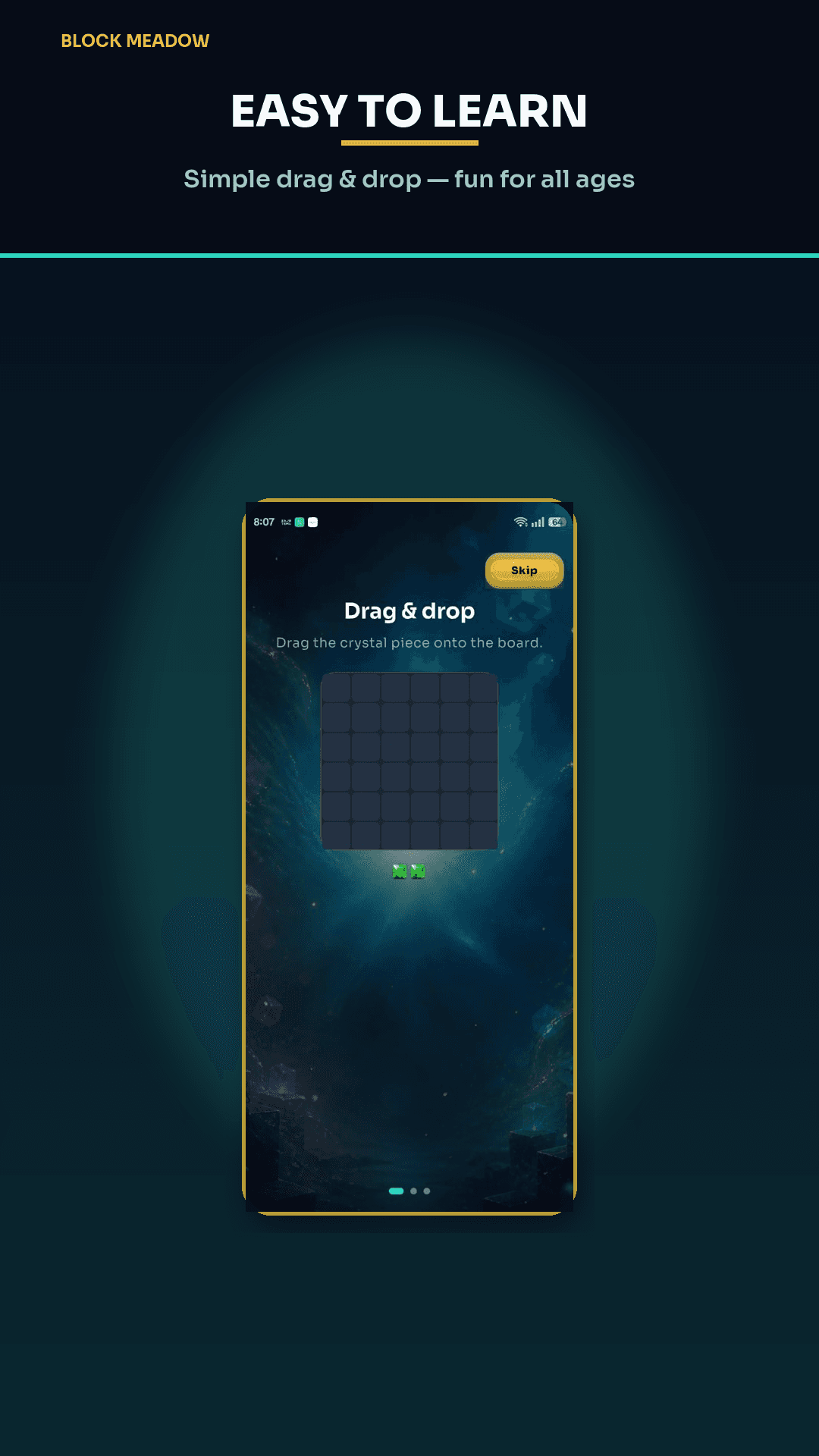
A couple of welcome screens and a tiny practice board. Follow the hand. You are learning drag-to-place, not a hidden combo language yet.
Step 3 — Privacy notice
Tap Accept to continue. That is the consent gate before ads and optional analytics for 13+ play. The long version is the privacy policy.
Step 4 — Tutorial in Classic
Your first Classic game points at placements and a line clear. After that you are on your own. Rules live in how to play.
Welcome gift
After you finish that first game, you get a small gift — coins and a couple of boosters. Spend them later when the board is actually cramped, not on an empty grid.
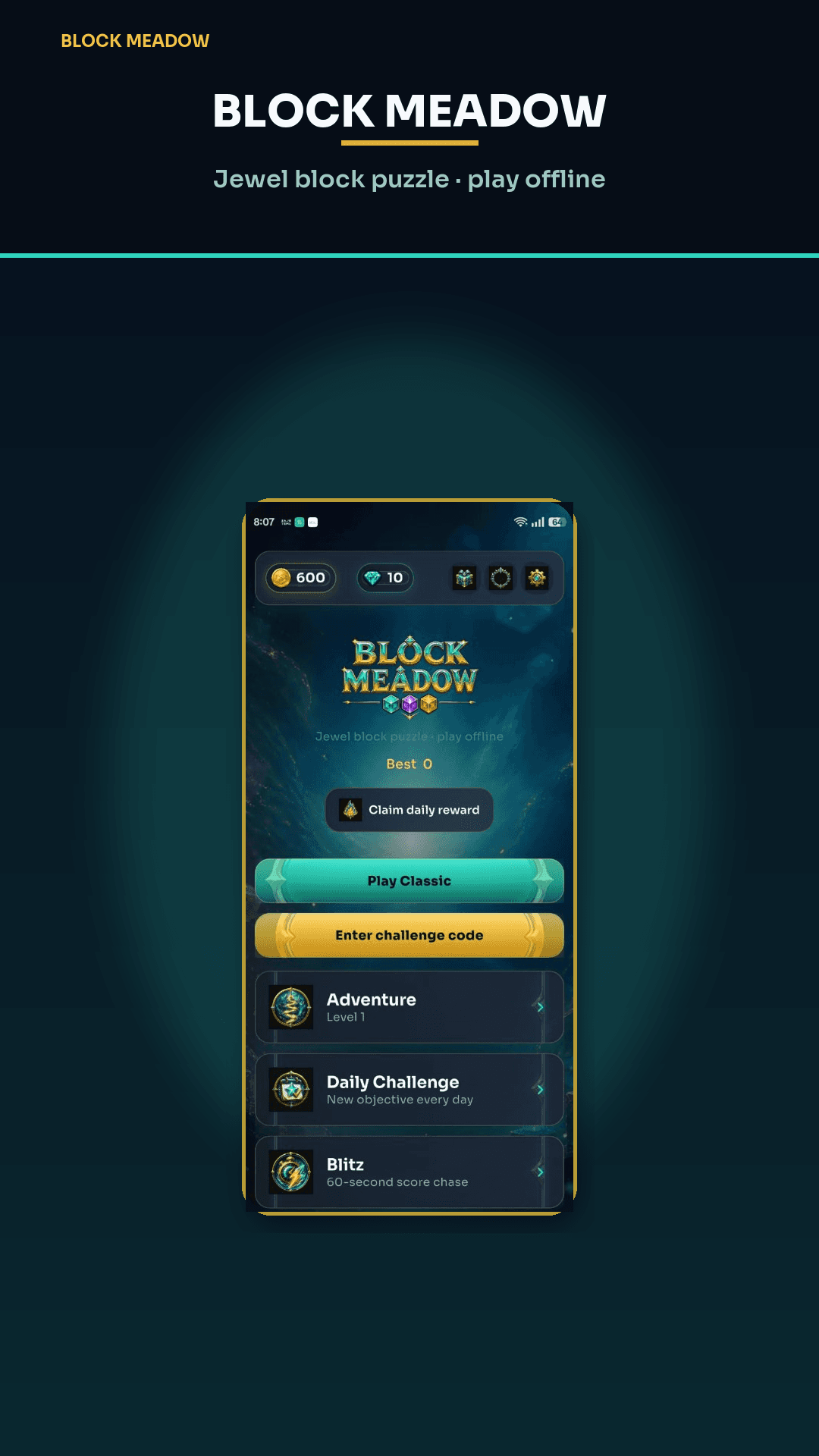
From Home, try Classic again, peek at Adventure, or set a Daily habit. Line-clear hygiene: tips.
Google Play
Play on Android
Download Block Meadow on Google Play. Jewel block puzzle — clear lines, build combos, and play offline. For press, privacy, or account help, email support@playblockmeadow.com.